VDI with Proxmox + KASM

VDI without Citrix complexity: Proxmox VE plus KASM Workspaces.

KASM Workspaces is a web-native, container-streamed workspace platform. Combined with Proxmox VE as the IaaS layer, it delivers Linux desktops, Windows RDP sessions, and zero-trust browser isolation — autoscaled, multi-tenant, vendor-independent.

Web-native: no client install, any modern browser.
Containerized workspaces — start in seconds, scale per user load.
Zero-trust browser isolation built in.
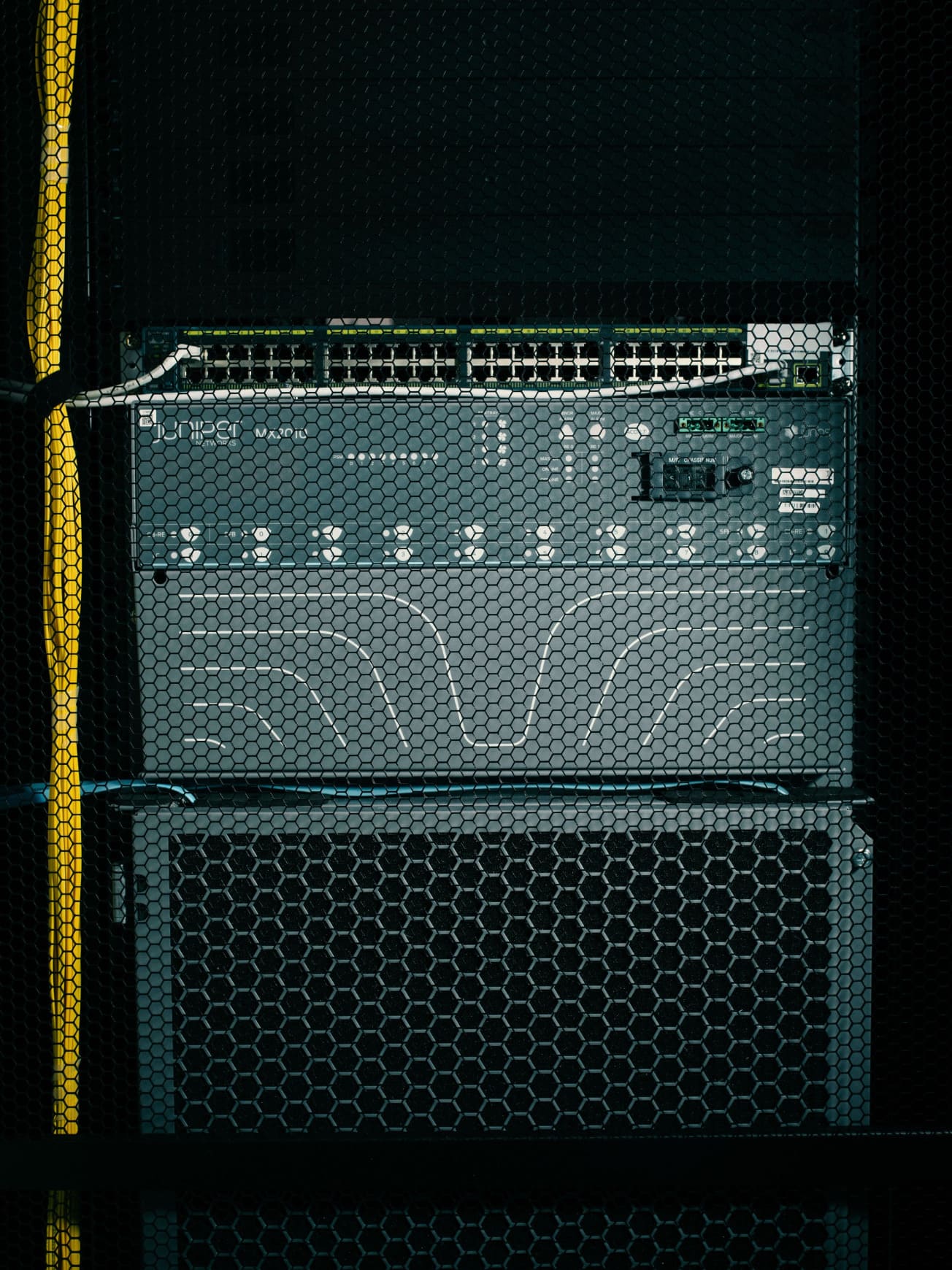
Close-up of network server equipment behind hexagonal mesh in a data center, with yellow and blue cables connected.
What KASM Workspaces is

An open-source platform for streaming containerized workspaces.

KASM streams containerized desktops, applications, and browsers over HTML5 to any web client. Originally built for browser isolation in security-conscious environments, it now competes directly with Citrix and VMware Horizon for general-purpose VDI — at a fraction of the licensing cost.

Proxmox Server Solutions and KASM Technologies announced an official partnership in 2024 to deliver a full-stack open-source VDI offering. The combination covers everything from the hypervisor layer (Proxmox VE) to the workspace orchestration (KASM), without the complexity of Citrix or the licensing exposure of VMware Horizon.

Quick facts: Web-native (HTML5) · Container-streamed · Linux + Windows (via RDP) · Built-in autoscaling · Zero-trust browser isolation as core feature · Open-source core with commercial editions.
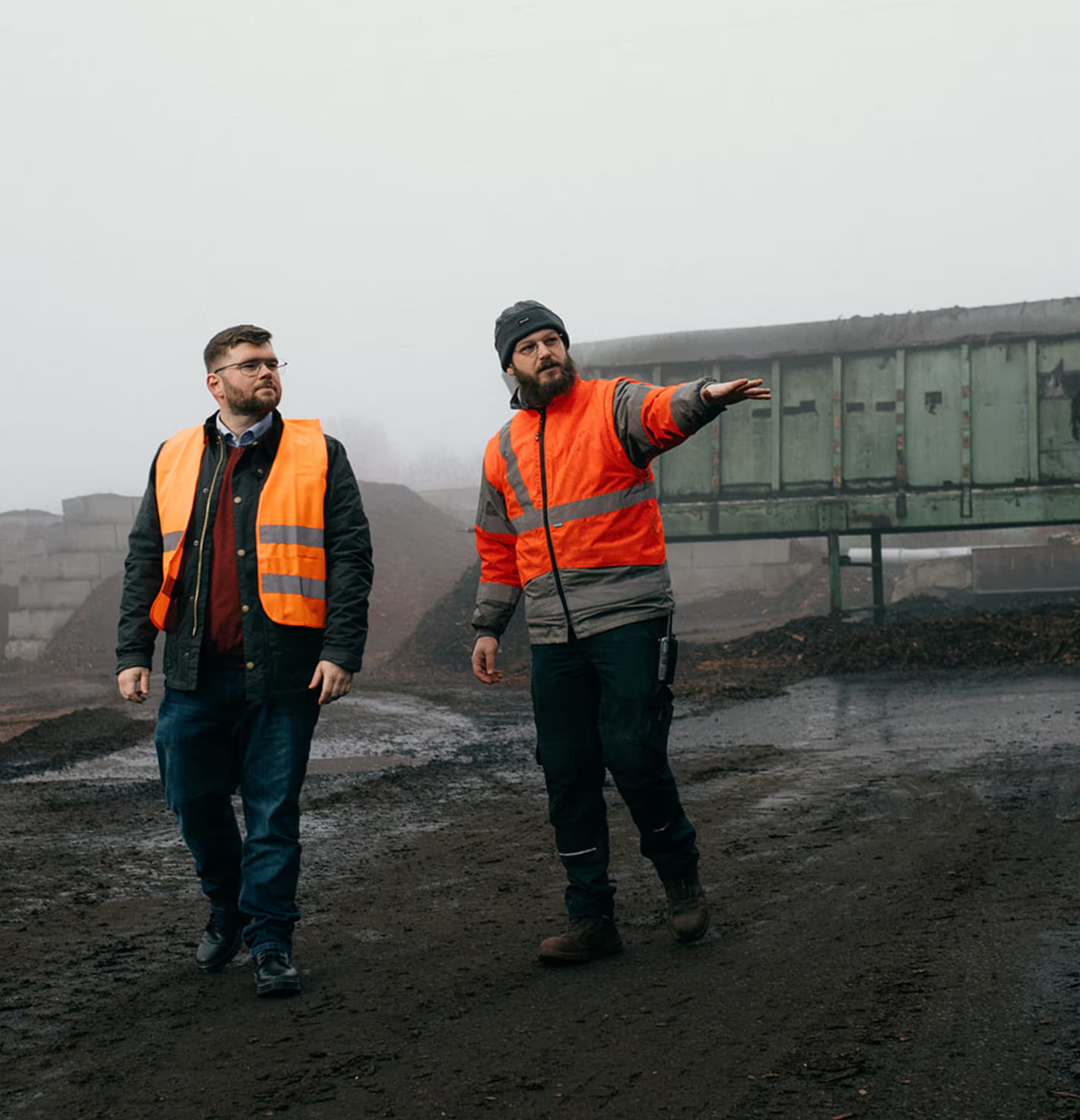
Zwei Männer in Sicherheitswesten gehen auf einem matschigen Industriegelände, einer zeigt mit ausgestrecktem Arm nach rechts.

Architecture stack

Three layers. One open-source stack.

Each layer has clear responsibilities. No proprietary glue, no vendor-locked components in between.

Layer 3 — Users

Browsers (Linux · macOS · Windows · ChromeOS)
No client install. Any modern HTML5 browser.

Layer 2 — KASM Workspaces

Workspace orchestration · Identity · Autoscaling
Container-streamed desktops, apps, browsers. SAML / AD / OIDC identity.

Layer 1 — Proxmox VE

Compute · Storage · Networking
KVM/LXC, ZFS or Ceph, SDN. Standard Proxmox cluster.

DIE VISION

Five reasons enterprises move to Proxmox VE.

Sovereignty

No US-vendor dependency, no licensing audits, no Broadcom roadmap risk.

Cost structure

Subscription-based, predictable, fraction of VMware vSphere Foundation cost.

Engineering depth

Open architecture: storage, network, backup all transparent and tunable.

Community-driven

Active development, fast vulnerability response, no
closed roadmap.

No vendor lock-in

Standard formats (qcow2, raw), open API, native VMware/Hyper-V import.

Get started

Three ways to start a VDI conversation.

1
Featured
Path A
Migration Assessment.
1–2 weeks.
Inventory, sizing, dependency analysis.
You receive a migration plan with cost projection.
2
Path B
30-min Architect Call.
Useful when you want to test the idea before committing to an assessment.
3
Path C
Workshop on Architecture. 1–2 days.
If you've already decided to migrate but want depth on the target architecture.

What customers say about KASM-on-Proxmox.

Lorem ipsum dolor sit amet, est mollis iuvaret officiis ne, magna idque mentitum ei nec, iisque convenire similique cu sit.

“The combination of precise planning and consistent responsibility enabled us to make a risk-free transition without a fallback environment. Sysfacts proved that the right approach saves costs and ensures quality.”

Thomas Berger

IT manager at a medium-sized manufacturing company

Young man with wavy dark hair, beard, and glasses smiling outdoors near a pool.

“The combination of precise planning and consistent responsibility enabled us to make a risk-free transition without a fallback environment. Sysfacts proved that the right approach saves costs and ensures quality.”

Thomas Berger

IT manager at a medium-sized manufacturing company

Young man with wavy dark hair, beard, and glasses smiling outdoors near a pool.

“The combination of precise planning and consistent responsibility enabled us to make a risk-free transition without a fallback environment. Sysfacts proved that the right approach saves costs and ensures quality.”

Thomas Berger

IT manager at a medium-sized manufacturing company

Young man with wavy dark hair, beard, and glasses smiling outdoors near a pool.

“The combination of precise planning and consistent responsibility enabled us to make a risk-free transition without a fallback environment. Sysfacts proved that the right approach saves costs and ensures quality.”

Thomas Berger

IT manager at a medium-sized manufacturing company

Young man with wavy dark hair, beard, and glasses smiling outdoors near a pool.

“The combination of precise planning and consistent responsibility enabled us to make a risk-free transition without a fallback environment. Sysfacts proved that the right approach saves costs and ensures quality.”

Thomas Berger

IT manager at a medium-sized manufacturing company

Young man with wavy dark hair, beard, and glasses smiling outdoors near a pool.

“The combination of precise planning and consistent responsibility enabled us to make a risk-free transition without a fallback environment. Sysfacts proved that the right approach saves costs and ensures quality.”

Thomas Berger

IT manager at a medium-sized manufacturing company

Young man with wavy dark hair, beard, and glasses smiling outdoors near a pool.
DRAG
Common questions

VDI FAQ.

Does KASM support Windows desktops natively?

Windows desktops are delivered via RDP-target — KASM provisions Windows VMs on Proxmox and brokers RDP sessions to them in the browser. So yes, full Windows desktops, but Windows itself runs as a normal VM on Proxmox.

What about FSLogix-style profile management?

KASM has its own Profile Sync mechanism using container persistence. For Windows scenarios that depend deeply on FSLogix today, this is one of the migration assessment items we always cover.

How does autoscaling work?

KASM has built-in autoscaling rules — by time of day, by load, by user group. It provisions new workspace instances on the Proxmox cluster and tears them down when load drops. We design the rule set as part of the VDI architecture phase.

What does this typically cost vs Citrix?

KASM uses subscription pricing without per-CCU lock-in. For most environments we see 50–70% TCO reduction over equivalent Citrix licensing, with the largest savings in heavily-licensed Citrix Enterprise scenarios.

Get started

Three ways to start a VDI conversation.

1
Featured
Path A
Migration Assessment.
1–2 weeks.
Inventory, sizing, dependency analysis.
You receive a migration plan with cost projection.
2
Path B
30-min Architect Call.
Useful when you want to test the idea before committing to an assessment.
3
Path C
Workshop on Architecture. 1–2 days.
If you've already decided to migrate but want depth on the target architecture.